
Data Center Exports
The Data Center Exports feature allows you to bulk export the hierarchy and devices of the active site from NetZoom into an Excel spreadsheet. This is useful in case you need to copy data from one site to another, or if you want to use Excel spreadsheets as a backup for the data in your DCIM solution.
The Data Center Exports feature displays a hierarchy of the active site. Selecting a location will allow you to export the data from that node and its children.
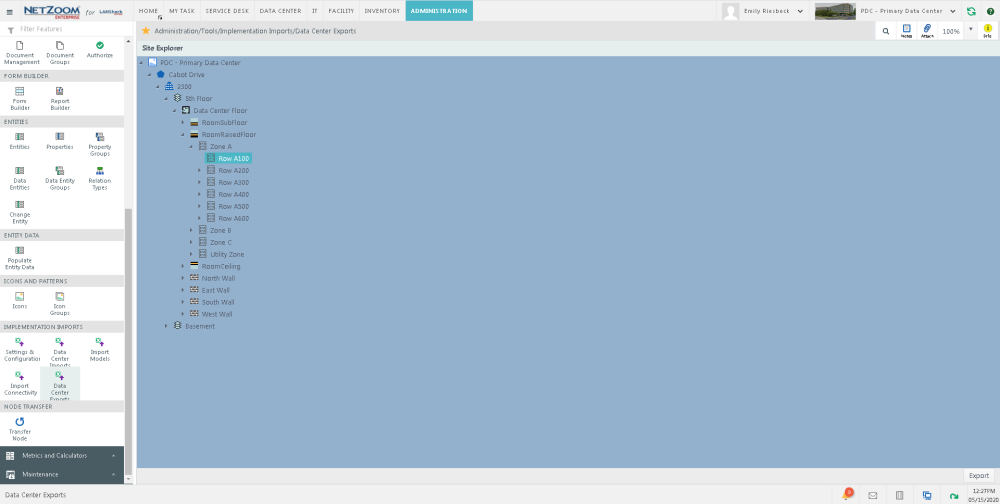
Exporting Data
- To import data from the data center to an Excel spreadsheet, Select the node you want to export.
- Click the [EXPORT] button. Data from that node and its children will be exported to an Excel spreadsheet.
Last Updated: Monday, January 25, 2021
NetZoom, Inc.